Connected
Your books. Your tools. Connected.
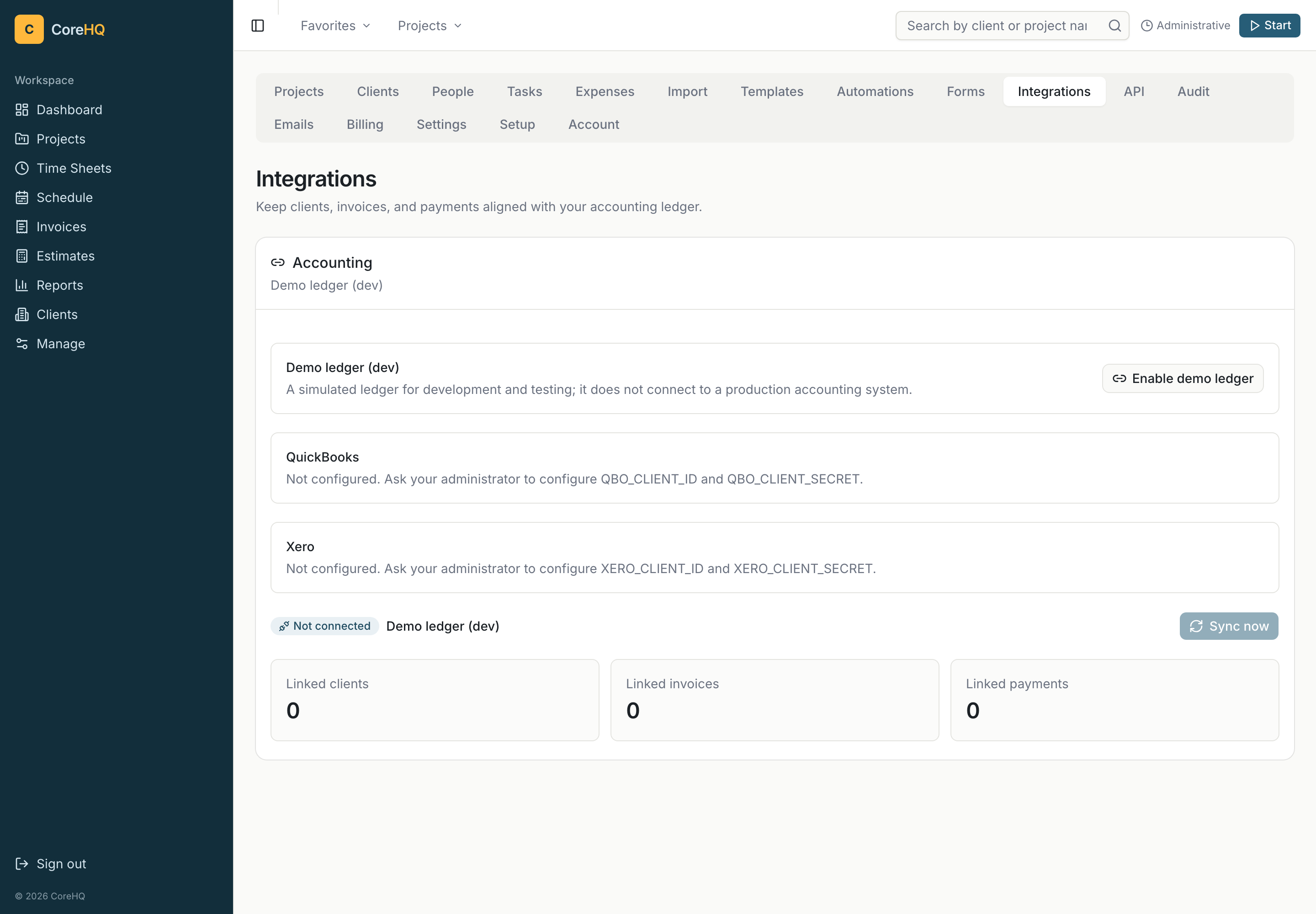
Connect payment collection, push records to your accounting system, and build workflows around your workspace. Here is what each connection supports.
Manual agency approval · No subscription
Stripe
Client-invoice checkout and saved-card features require separate Stripe setup. They are not enabled for the free-agency launch.
QuickBooks Online
Push customers, invoices, and payments through OAuth. Accounting OAuth tokens are encrypted at rest.
Xero
Push customers, invoices, and payments through OAuth. Invoices arrive as DRAFTs for you to approve, and the payment account is configurable. Accounting OAuth tokens are encrypted at rest.
Outbound webhooks
Use invoice.paid and invoice.sent events in your own workflows, including Zapier zaps. Requests carry an X-CoreHQ-Signature for verification.
REST API
Connect your own tools using organization-scoped API keys. A key’s access is tied to its workspace.
MCP server
Let AI agents list clients, projects, invoices, and time entries, and log time through the MCP server.
Google & GitHub
Use Google or GitHub to sign in to CoreHQ. These are sign-in connections.
OIDC SSO
Connect an OIDC identity provider such as Okta, Entra, or Google Workspace. Optional enforcement supports a workspace SSO policy.